Terrain Characteristics
Ruggedness?
What happens when you take the slope of a slope map?
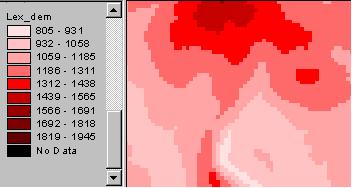
slope map,
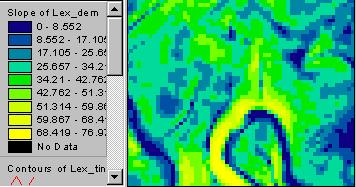
and slope of the slope map?
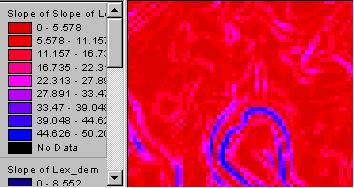
What does that mean?
Here’s a better way to look at the second derivative of elevation. Use a “curvature” calculation, either for the profile or for the planform.
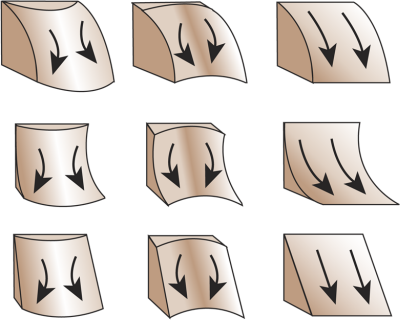
Above, the top row is convex in profile, middle is concave, and bottom is straight. In planform, the left is convex in planform, middle column is concave, and the right column is straight. Planform is the outward shape of a contour line. In profile, straight has evenly spaced contours, concave they get further apart downslope, and convex they get closer downslope.
Put contours on your DEM to check it out.
In QGIS we can get at curvature through GRASS. r.slope.aspect, PCRaster “Derivatives of digital elevation models” or SAGA’s slope, aspect,curvature
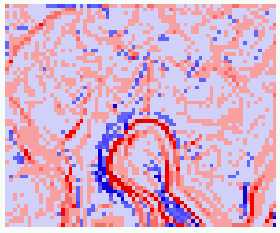 planform curvature |
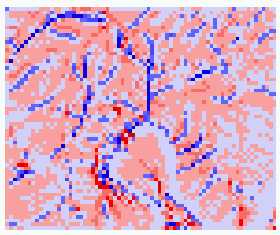 profile curvature |
——————-
In ArcGIS (GUI, Geoprocessing Toolbox or Command line). A new “Surface Parameters” tool in ArcGIS Pro uses more points and calculates the fit of a multi-dimensional curved surface. Output can be plan (tangential to the flow line), profile (along the flow line) or an average of the two.