A Spatial Join is a common GIS using the colocation of two or more data layers. Whereas a regular “join” simply connects two tables based on a common index field rather than location, a spatial join
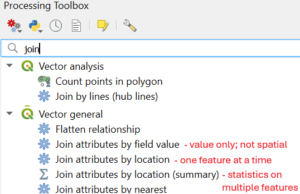
adds table information based on where the features are located.
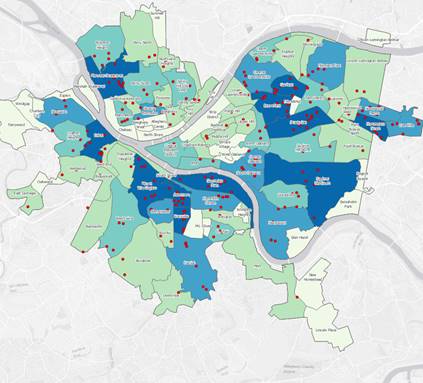
Spatial Join Example from ESRI tutorialOptionally, where multiple features are found within the location of another feature, the matching features can be summarized. For example, in our example of city precincts (polygon) with burglary reports (points), we can associate each event with a precinct, count them, or get the average $, assuming these are in the attribute table.
But we can also turn that on its head and attach a precinct number or name (or any field in the polygon table) to the burglary points. Below, we attach the attributes of land use to the Properties table, and then repeat for the Buildings attributes. (source page from PythonGIS.org)
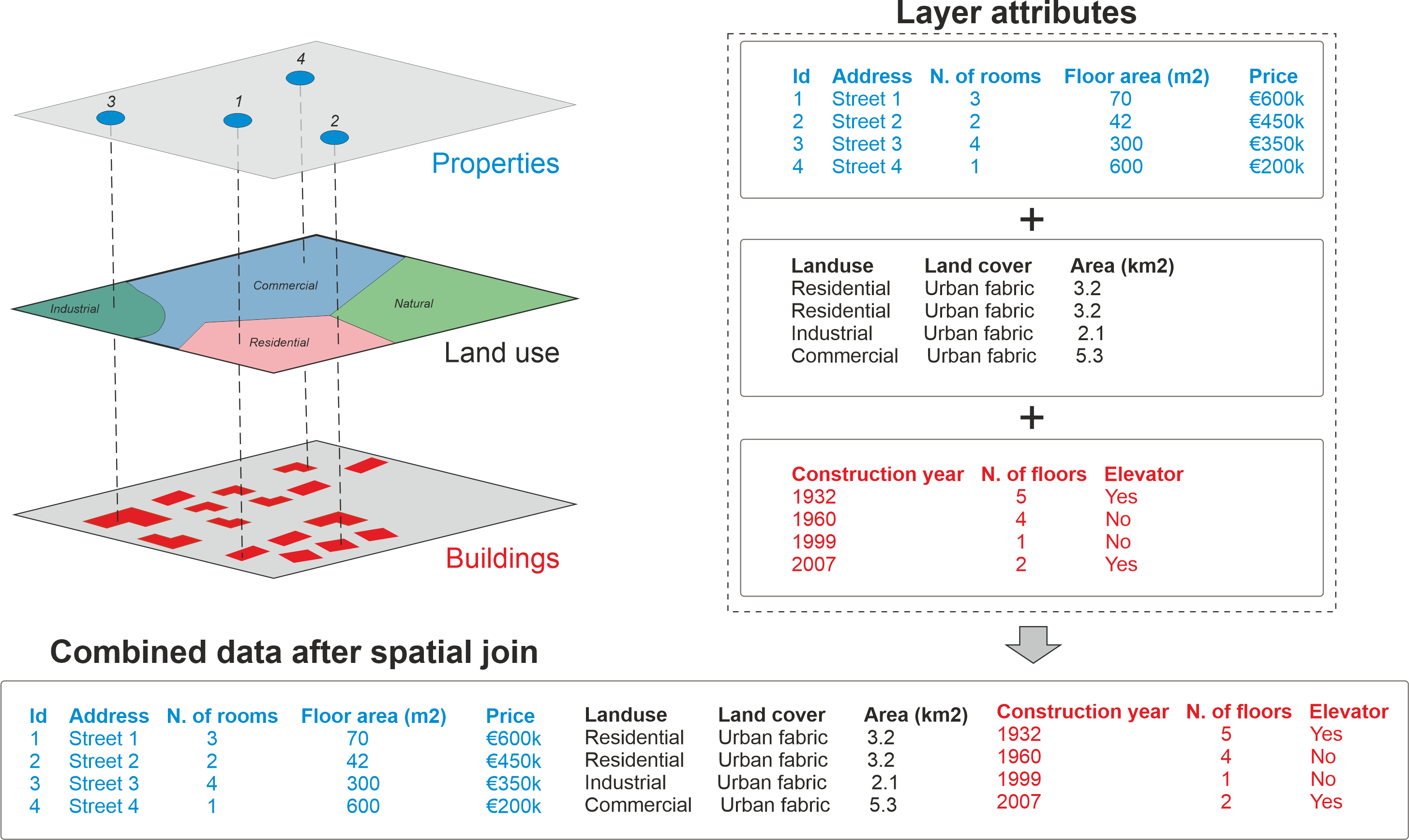
How the location is specified (within, contains, intersects, etc) and whether the join is “one-to-one” or “one-to-many” are some of the options you’ll encounter.
Let’s try it.
-
- Open the SpatialJoinDemo_Hawks QGIS project.
- Add the county information to the Hawk counts table
- Find the number of observation points in each Virginia County.
- Sum the number of hawks observed in each Virginia County
Need practice? Here’s a good tutorial https://www.qgistutorials.com/en/docs/3/performing_spatial_joins.html